
Using Heuristic evaluation to analyze gaps in the existing features of pricing platform to prevent annual revenue loss of approx $1Mn
View deliverables
Team
1 Designer, 2 Developers, 1 Product Manager
Role
UX Designer
Timeline
2 weeks
About the project
PENNY is a B2B product for setting prices and viewing the pricing analytics for SPOT ocean cargos. The product generates an approx $50Mn annual revenue for the organization
In this project I have helped the team by doing Heuristic evaluation of the three core features of the analytics tool – dashboard, booking summary and price setting. The goal of this evaluation was to evaluate the usability of the legacy pricing product using established set of Heuristics and disclose a prioritized list of issues to developers attention.
User scenario
“How Might We” display an efficient pricing data visibility for ocean cargos in pricing dashboard by enabling Pricing Managers to create & manage rate structure in the Threshold pricing which will allow them to prevent revenue leakage.
Methodology used
Jakon Nielsen 10 heuristic principles
Evaluation criteria
Each task was completed in collaboration of developer, to ensure no edge cases or RBAC scenario misses. To determine the severity, I considered three factors – frequency, impact and persistence. I scored each usability issue on a scale of 0 to 4, with 0 being no issue and 4 being severe.
Tasks evaluated
Tasks that focused on core functionalities of PENNY pricing analytics were evaluated. The goal was to identify major usability flaws within PENNY UI
- View uptake & rate curve for multiple weeks with custom filter
- Search data by region/OD/Trade
- View real-time system status and recent incidents
- Setting up pricing ladder
- View Booking summary
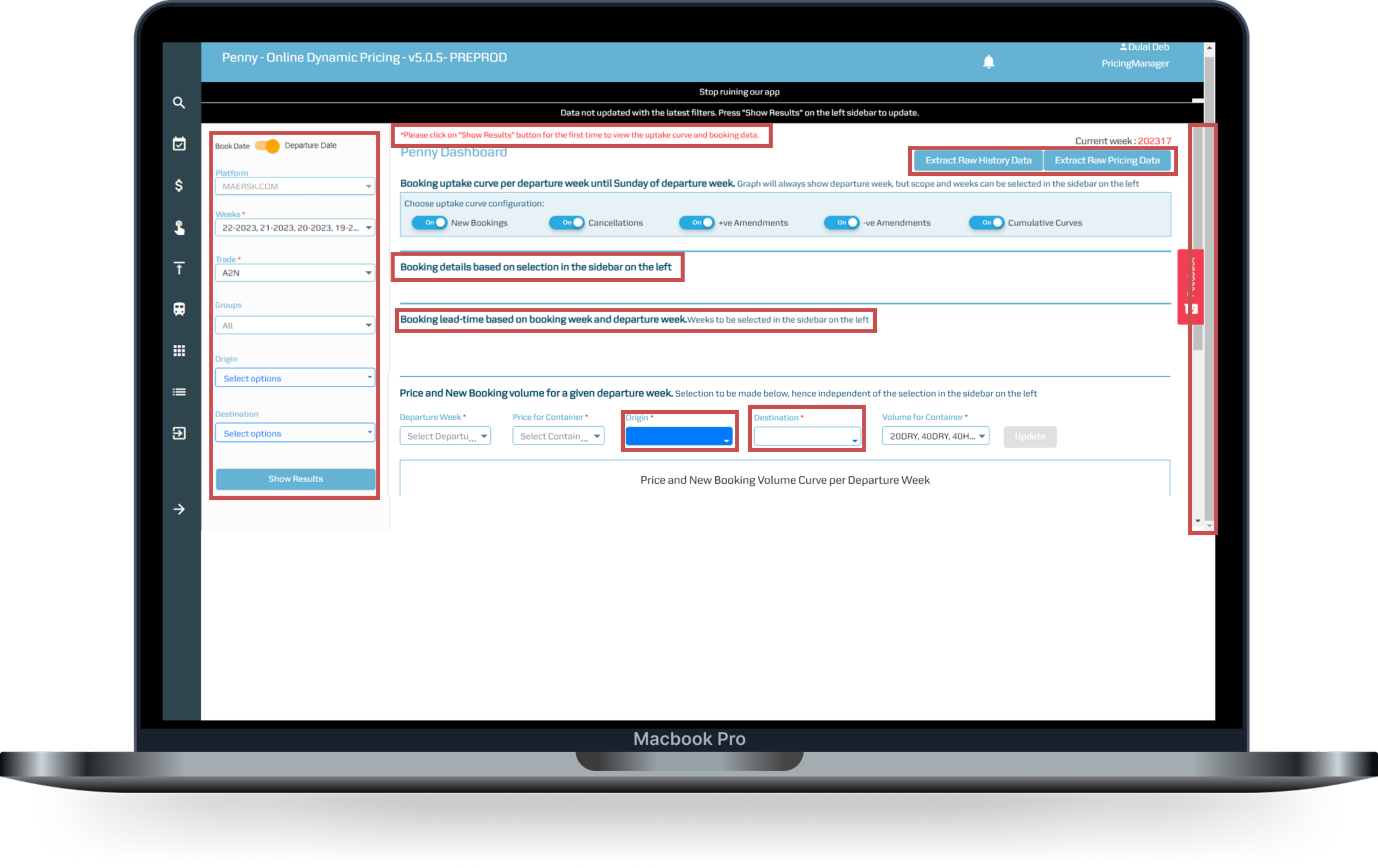
Screen: Dashboard
Issues observed
CTAs not as per MDS
Primary & secondary interactions are not clearly displayed. It leds to confusion in users. The input fields used to display visualization are not consistent.
Error message displayed
The status message is shown incorrectly irrespective of type of user action
Left filter elements consuming more space
The filters are used as user input to display visualization graphs. Graphs not displayed on their own.
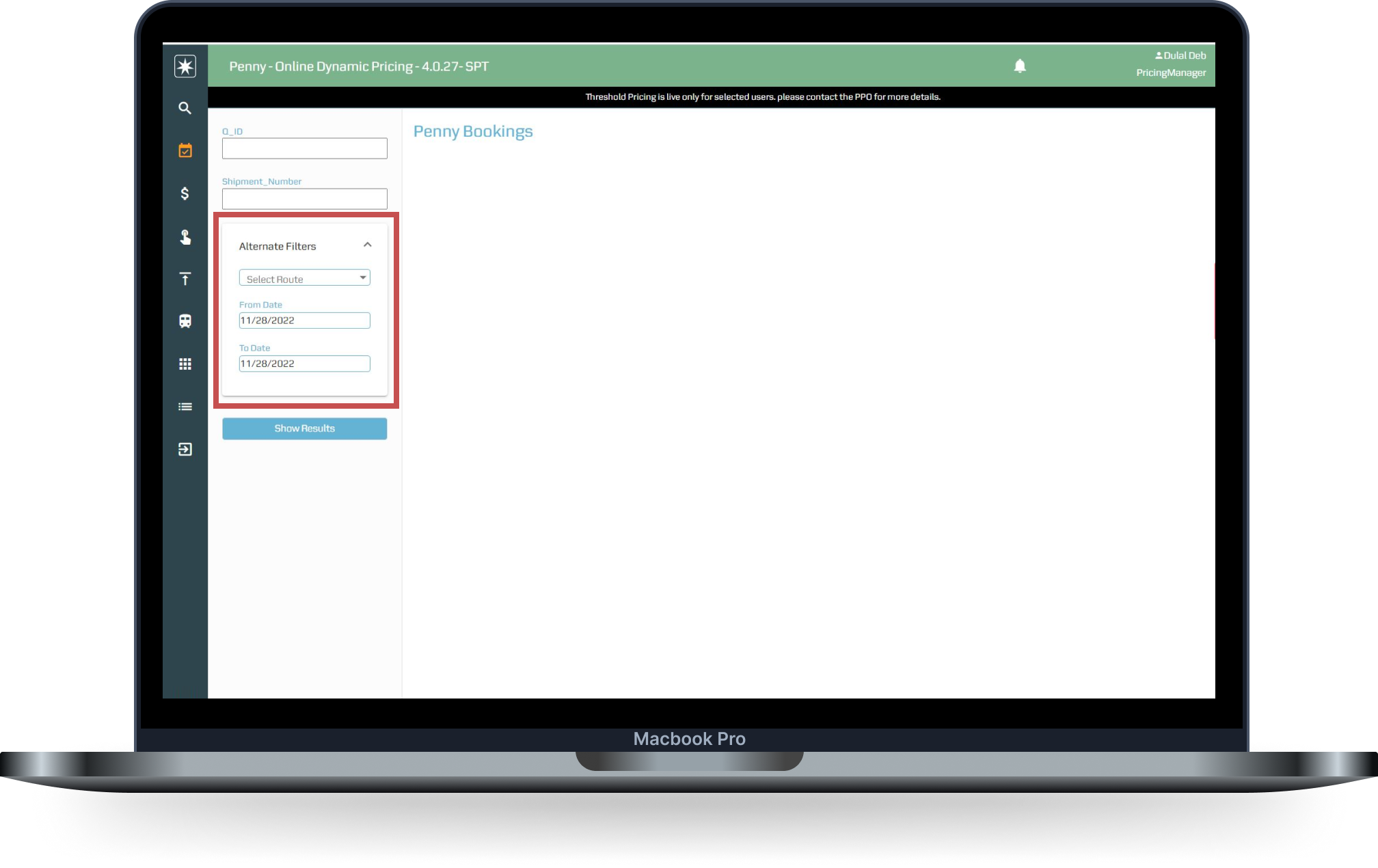
Screen: Booking
Issues observed
Inconsistent UI
Unwanted collapsible section with Input fields inside that.
Booking search
User needs to move out of Dashboard to do Booking search, making an additional click
Whitespace
Lots of unused whitespace on the right
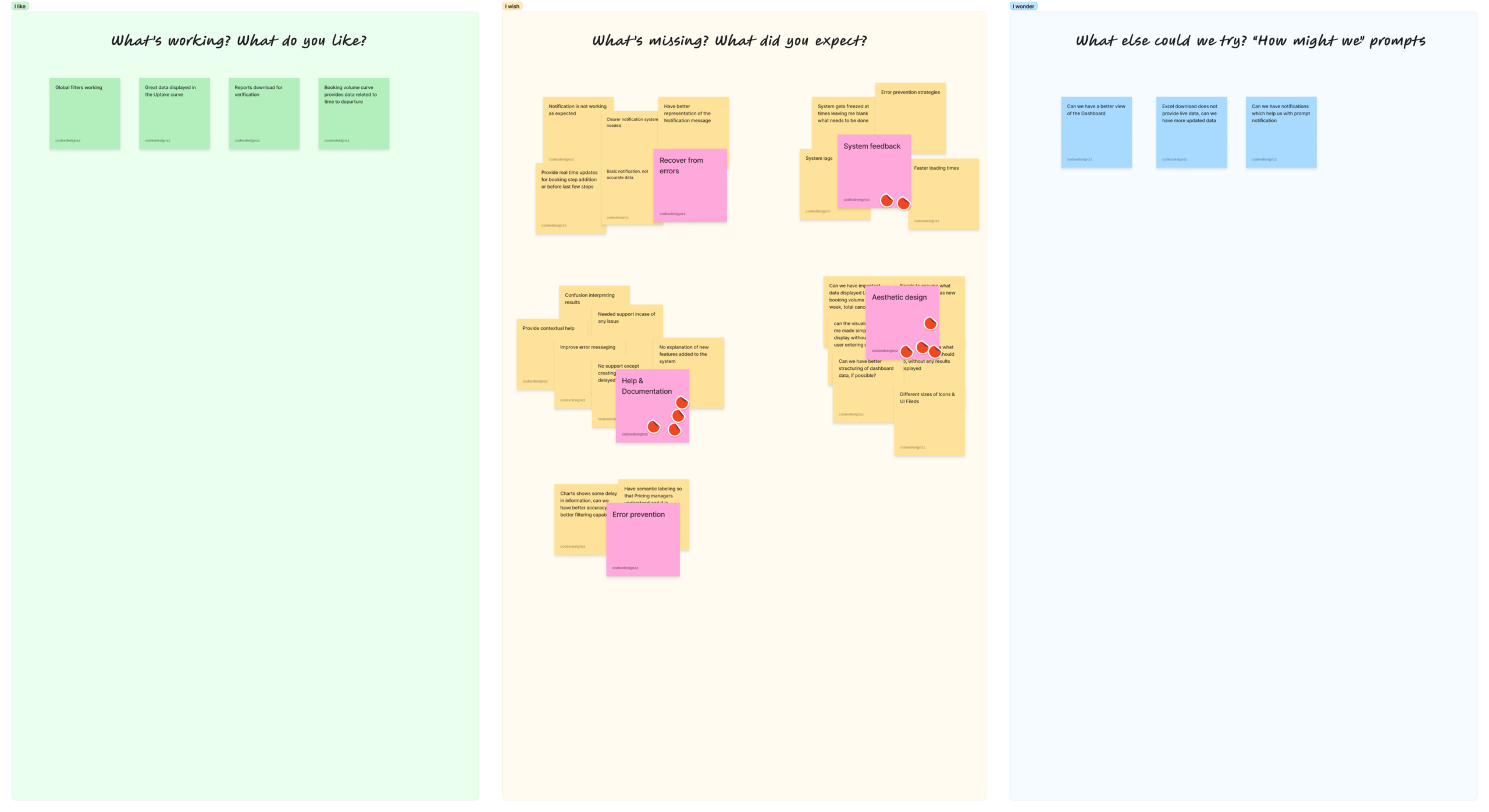
Affinity mapping
Once all the issues are and success scenarios are measured, I created the Affinity mapping to come up with the different themes to present with stakeholders for further product roadmap. View the detailed Heuristic report
Learnings & outcome
- Learned to get stakeholder buy-in to improvise the legacy product UI
- Got to learn more about the product features with developer collaboration
- Recommended grouping of related features like Search, saving hours of development effort
Other projects
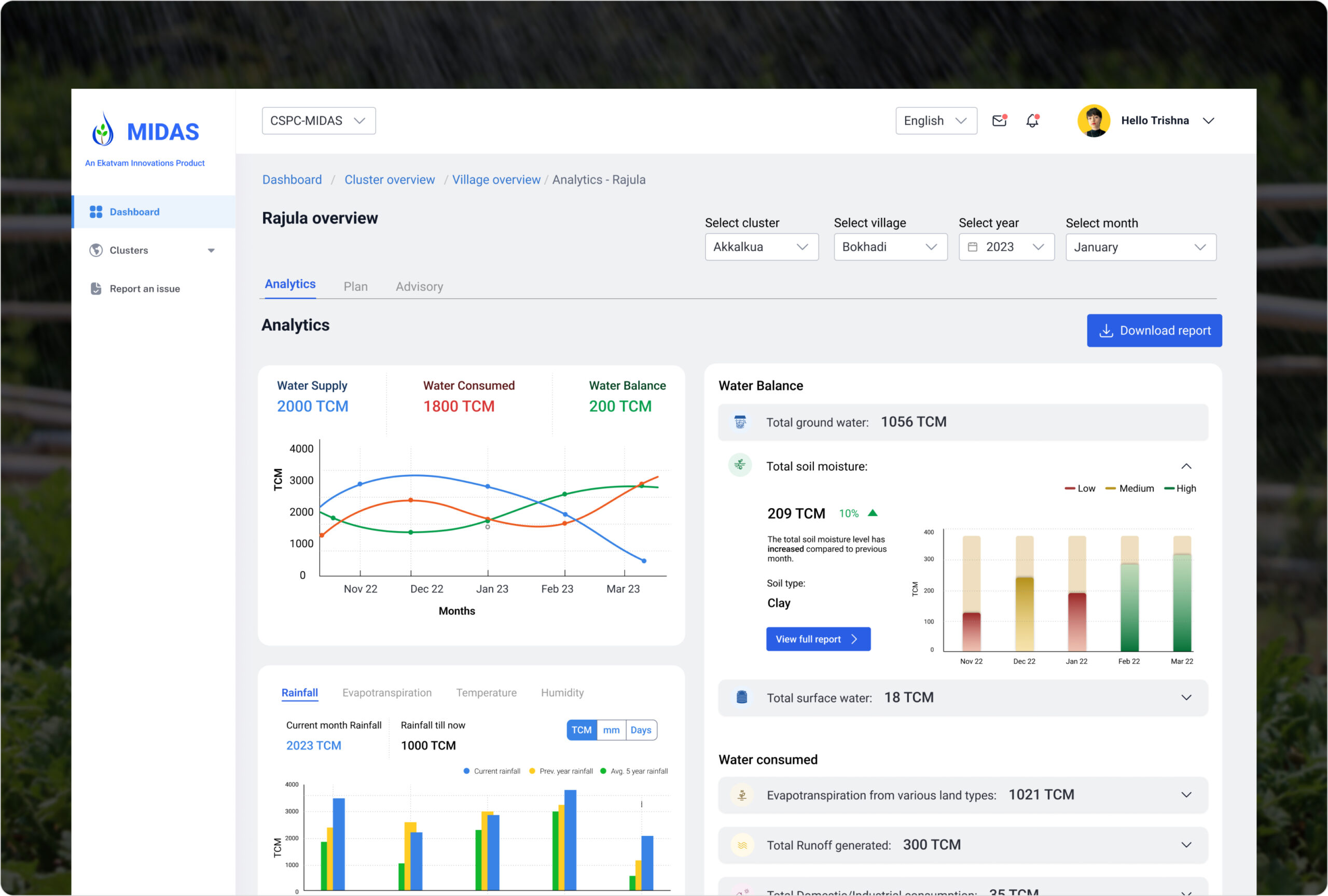
MIDAS
Establishing sustainable water management in rural ecosystem for 100,000 villagers
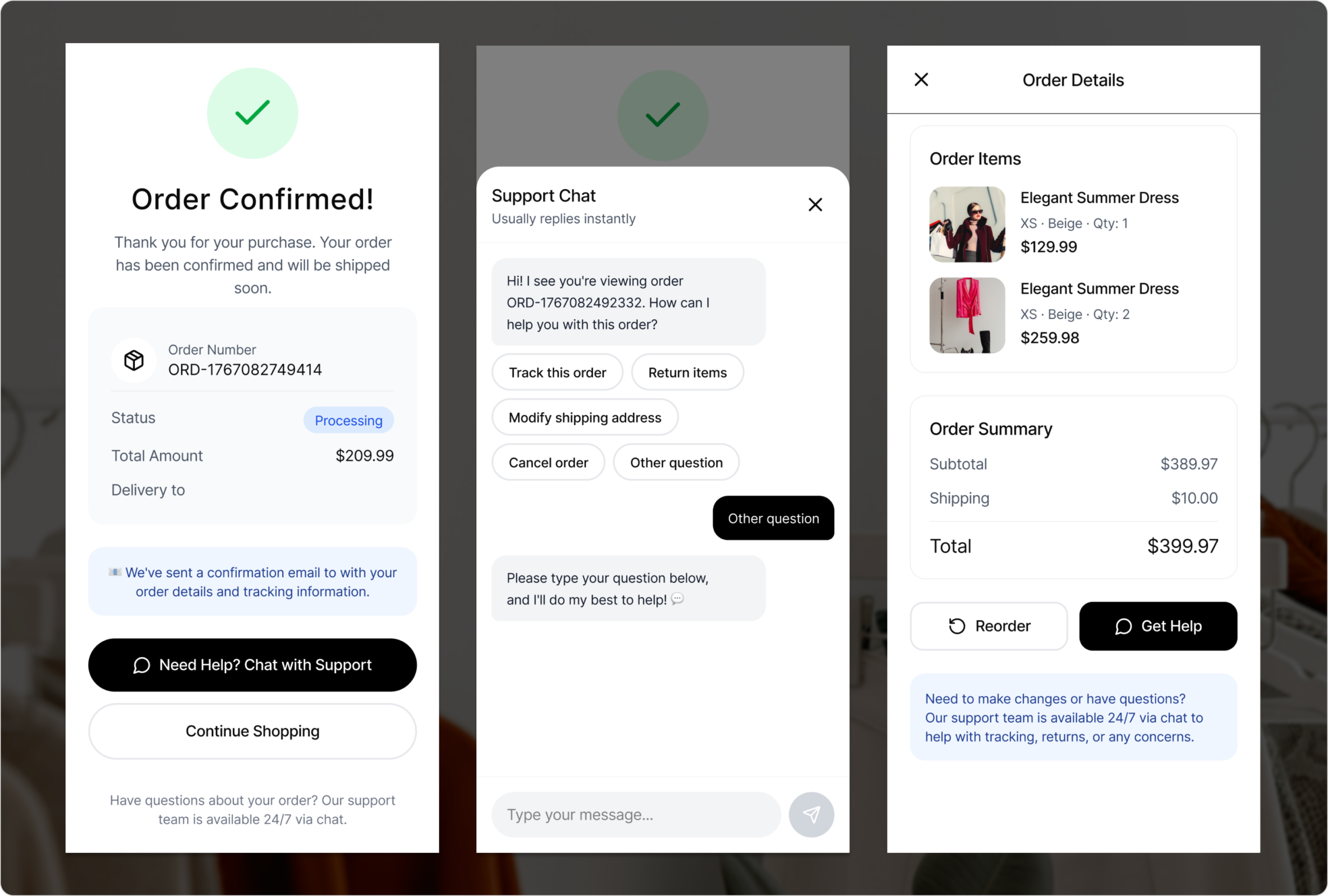
Chat UI
A casestudy in AI powered chatbot for consumer support reducing the ART to less than 1 minute